Nothing to assemble.#
Most agentic setups are a weekend of wiring: an agent, a workspace manager, a set of skills, a keybinding file. Mash ships them already fitted together and opens on a workspace you can type in.
- Herdr, Pi, Mash skills installed, plus Git, ripgrep, fzf, and language servers
- First launch sets your Git identity, GitHub sign-in, and the tooling you pick
- ~/.mash holds Mash's own state, and your existing configs stay as they are
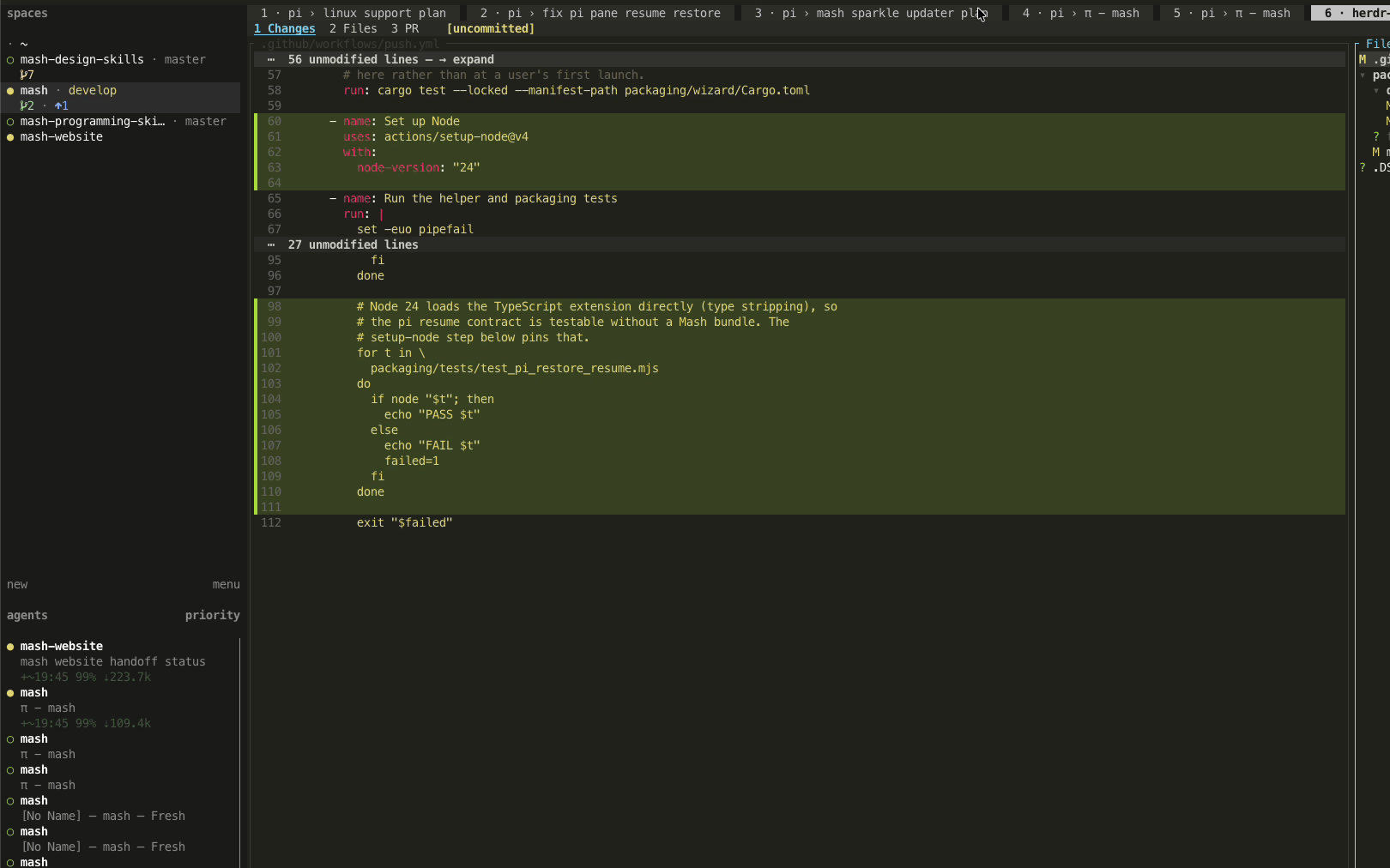
One task, one workspace.#
Each task gets its own workspace with its own tabs, terminals, and agent, so a second and third agent never bury the first. Move between workspaces and agents from the keyboard while the rest keep running.
- ⌘⌃N new workspace
- ⌘⌃1–9 switch to workspace N
- ⌃⇧↑ ⌃⇧↓ previous and next agent
- ⌘⌃G session navigator
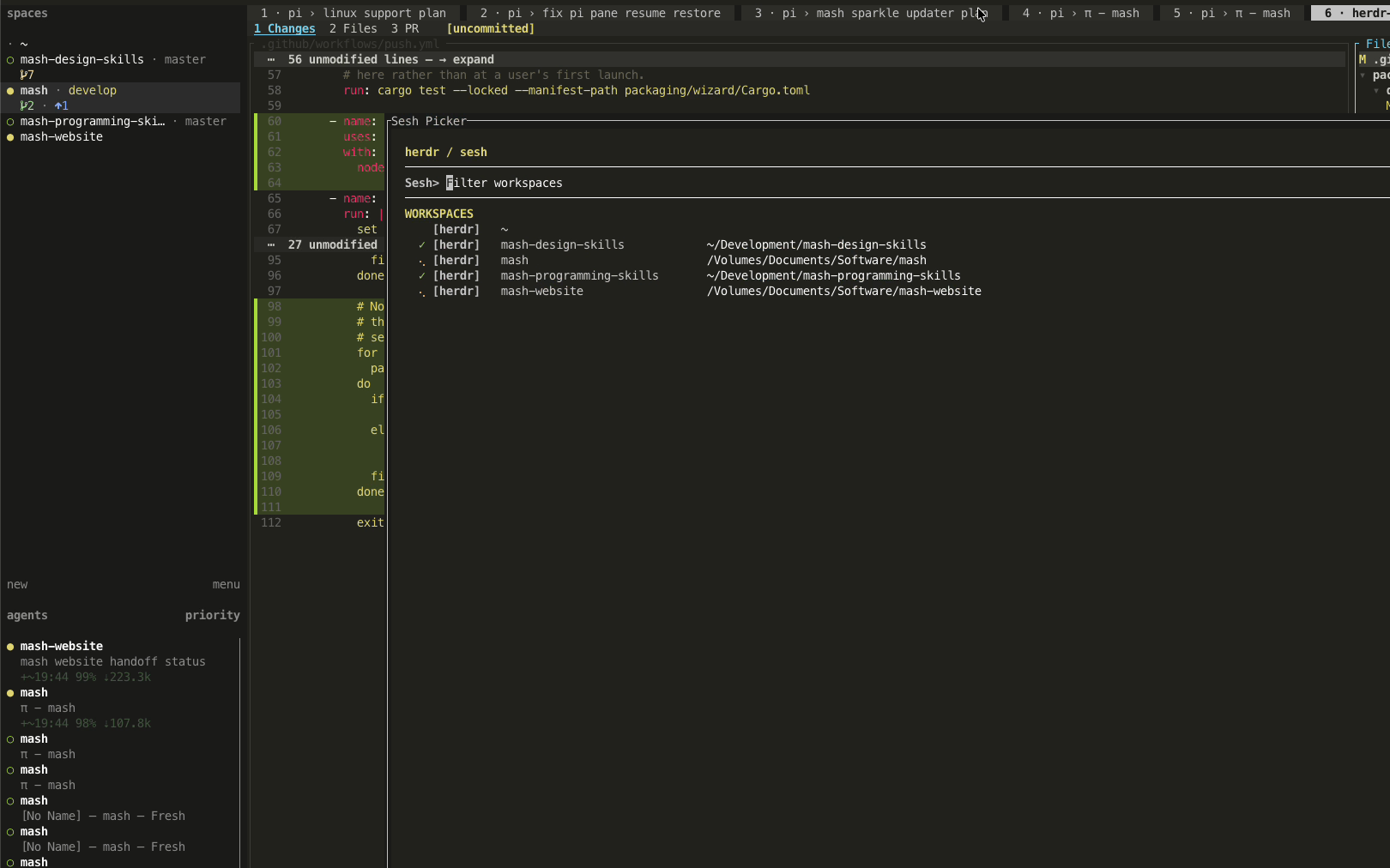
The code stays yours.#
The agent works in a pane beside the file, not behind a chat window. Open the buffer, make the change yourself, and the agent picks up from what is on disk.
- ⌘T dev tab with the editor and an agent
- ⌘P file finder
- ⌥G pick a link or an ID out of the agent's output
- ⌃⇧G source control
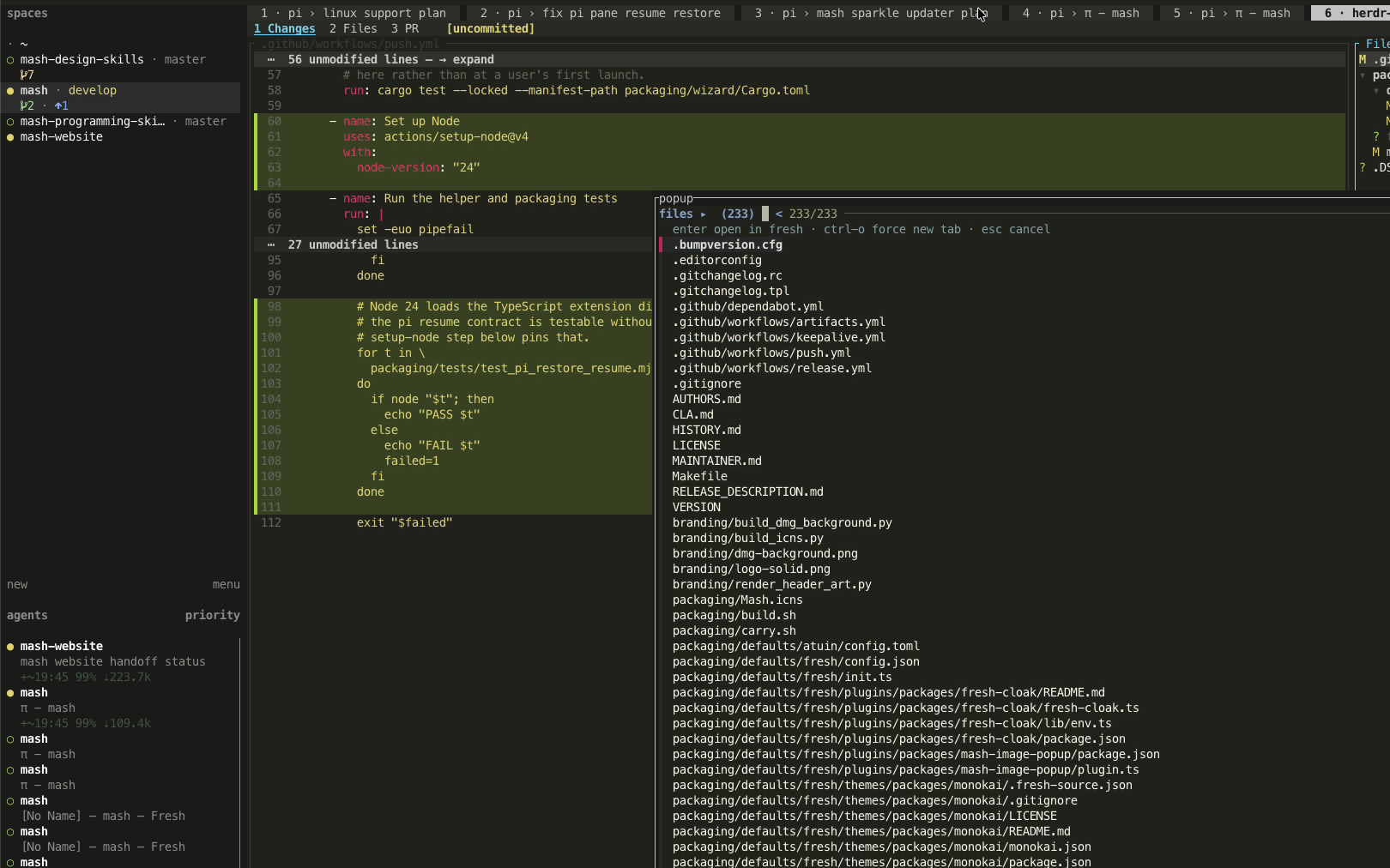
Speed still ends in a human review.#
Agents propose and you decide what lands. Open a review tab for the branch, read the diff, and act on it hunk by hunk before anything is committed.
- ⌘⇧R review tab, with the diff and an agent together
- ⌘K annotate a capture for the review
- ⌘⌥Y fork an agent from one of its messages
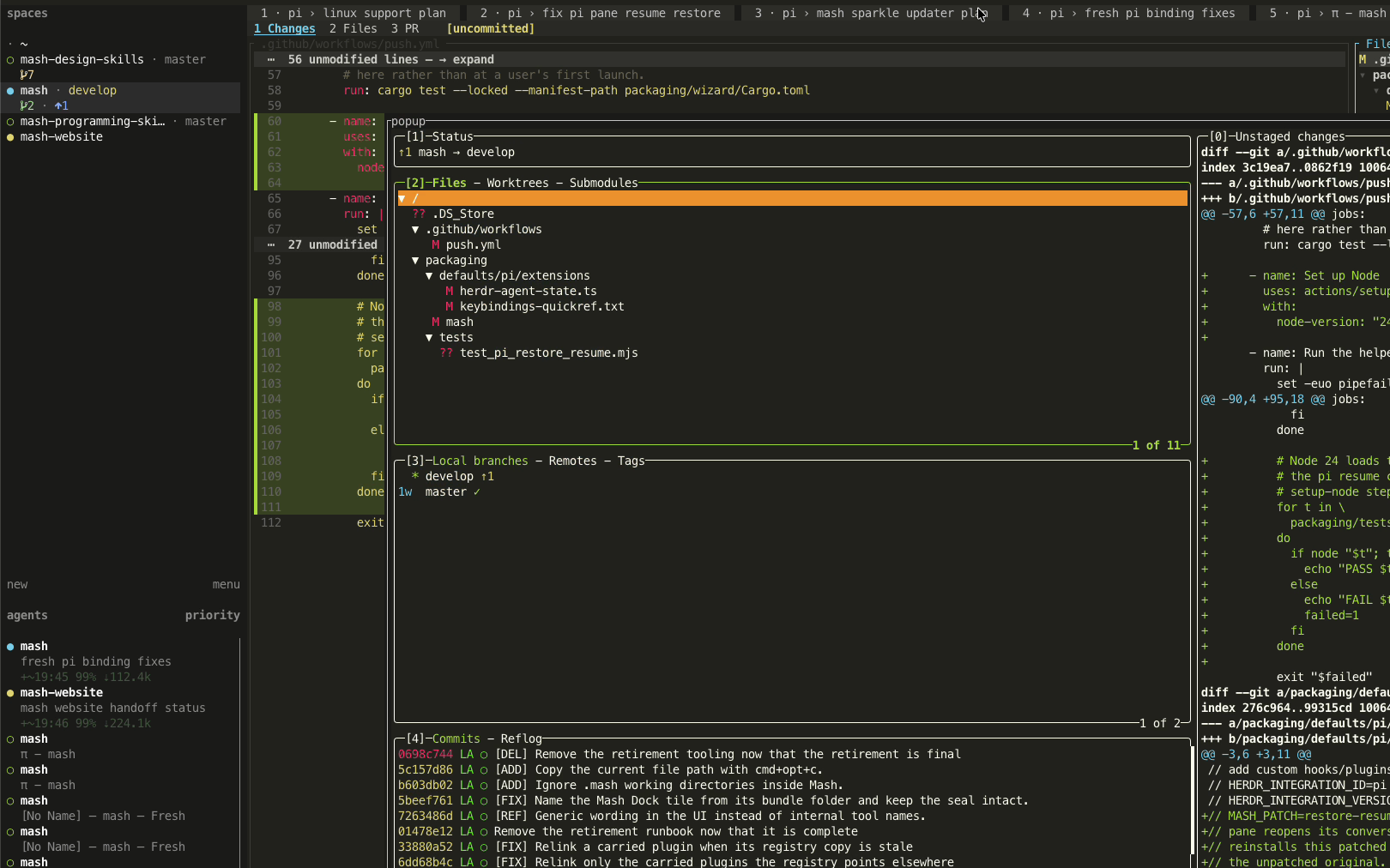
Everything is a keystroke away.#
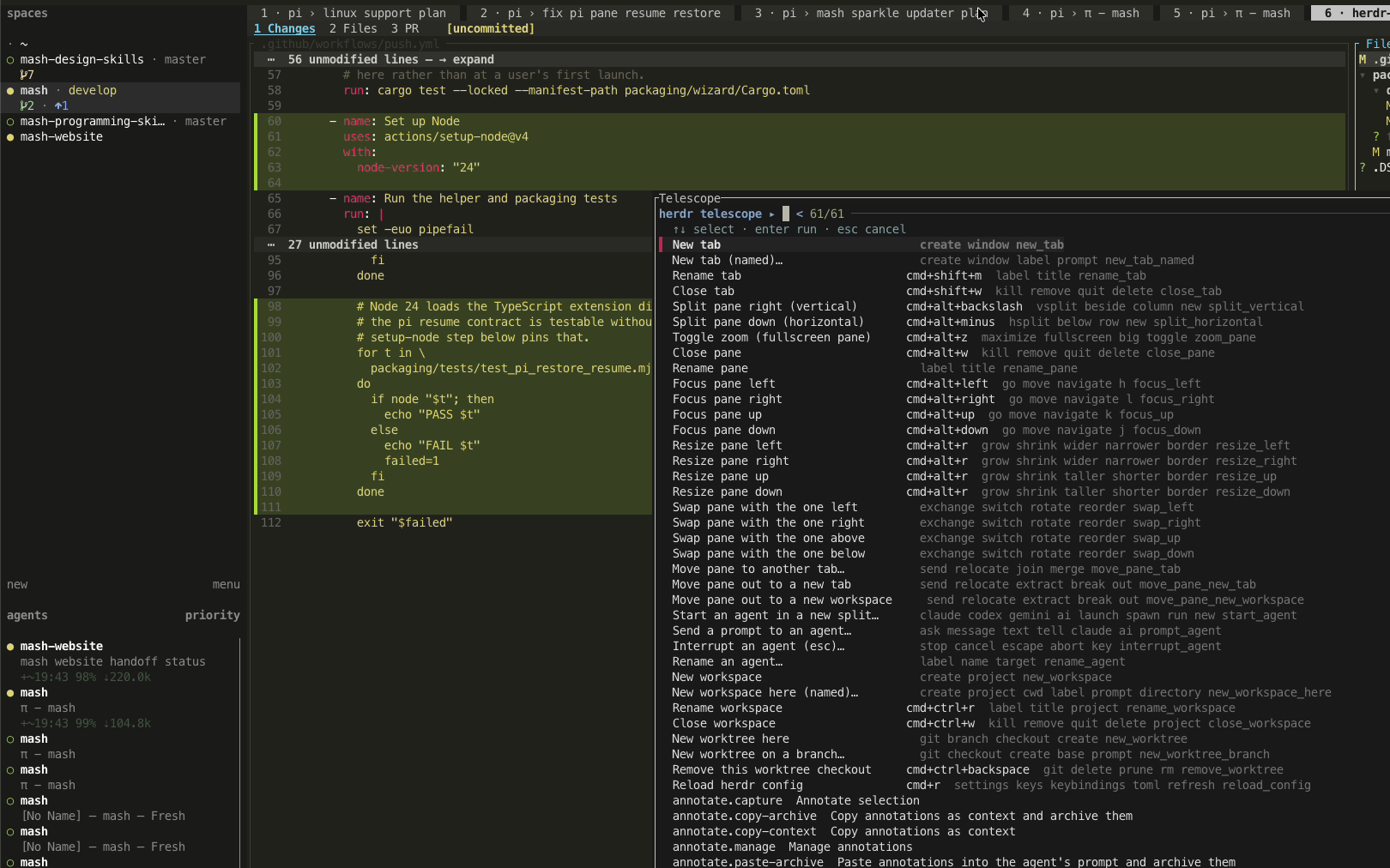
Workspaces, tabs, panes, agents, search, and review all have keys, and the command palette holds the rest. Learn a handful and the app shows you the others as you go. The mouse works too.
- ⌘⇧P command palette
- ⌘⌥L search every session
- ⌘I settings
- ⌘⇧I the keybinding sheet
Intent in, reviewed result out.#
One task, followed all the way through the app: an idea becomes a workspace, two agents build in parallel, a human fixes something by hand, the diff is reviewed, and the change lands.
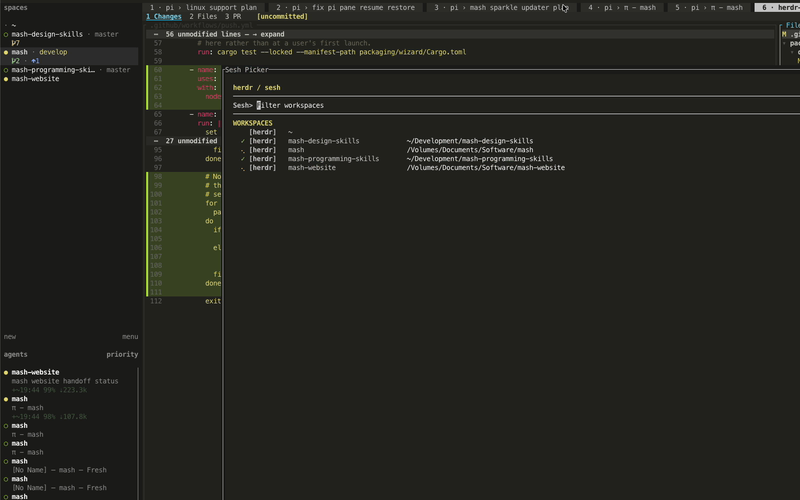
A workspace per task
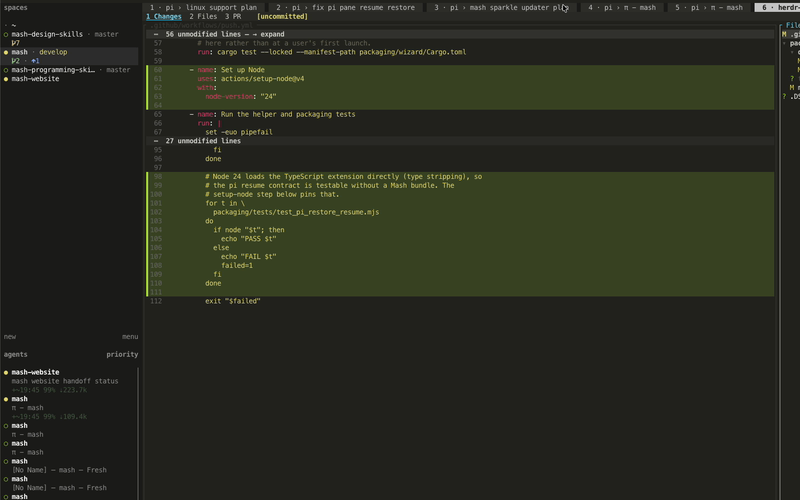
Agents beside the code
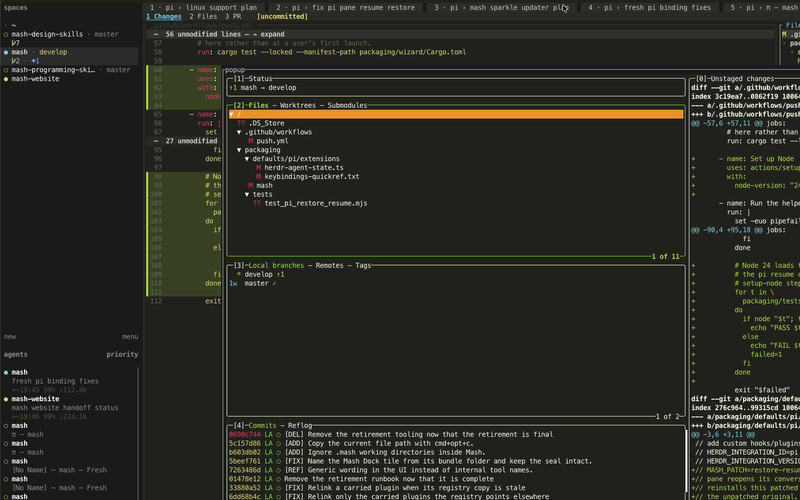
Changes under review
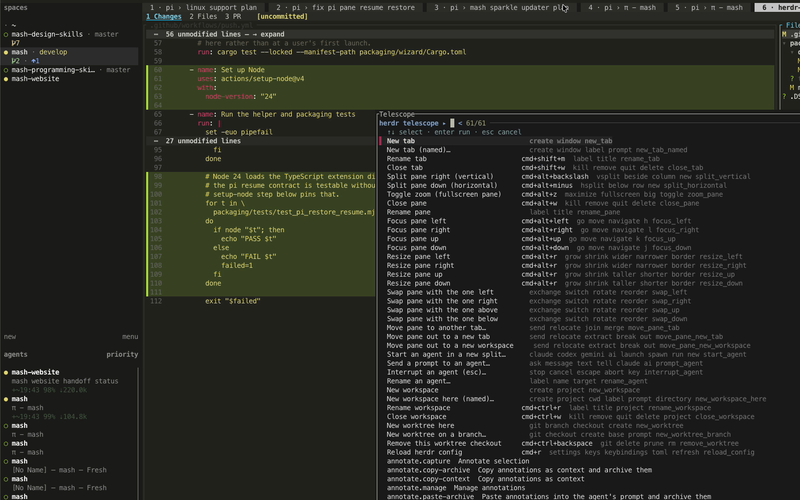
Commands at hand
One download. Nothing to configure.#
The first public build is not out yet. It will appear on the Mash repository with its release notes, and this page will offer the download as soon as it does.
Mash for macOS#
Coming soon to macOSIn the meantime, the repository is where the build and its notes will land.
What it needs#
- An Apple silicon Mac
- One DMG, signed and notarized
- No Homebrew, npm, or toolchain step
And the rest is already there.#
- Workspaces and worktrees, one task each
- A coding agent in every workspace
- Editor and agent in the same tab
- Review tabs, with the diff beside the agent
- Command palette and fuzzy file finder
- Session search across every agent conversation
- Source control, annotations, and pane splits
- Plugin manager and detachable sessions
- macOS on Apple silicon
The short answers.#
What is Mash?
Mash is a single macOS application that bundles a complete agentic coding environment: Herdr for workspaces, tabs, and agents; Pi for the coding; and the Mash skills that teach both. It arrives already configured rather than asking you to assemble those tools yourself.
Is Mash free?
Yes. Mash is free and open source under the GPL-3.0-or-later license, with no account, subscription, or in-app purchase. You download one disk image, drag the app to Applications, and the first launch sets up the rest.
Which Macs does Mash run on?
Mash is built for macOS on Apple silicon. It ships as one signed and notarized DMG; there is no Intel build, and nothing to install through Homebrew, npm, or a language toolchain.
Do I still have to install Pi, Herdr, or the skills myself?
No. The first launch sets your Git identity, signs you in to GitHub if you want it, and installs the coding agent, the skills, the search tools, the language servers, and the terminal stack that Mash runs on. Mash keeps its own state under ~/.mash and leaves your existing configuration files alone.
Can I still edit the code by hand?
Yes, and Mash is built around that. The agent works in a pane beside the file rather than behind a chat window, so you can open the buffer, make the change yourself, and let the agent continue from what is on disk. Nothing lands without a review step you control.
When can I download it?
There is no public release yet. The first build will be published on the Mash repository with its release notes, and this page offers the download as soon as a compatible DMG exists.
Your next task has somewhere to go.
 Mash
MashA complete agentic workspace, in one Mac app.
 GitHub
macOS · Apple silicon